Quick verdict: choose the workflow before the vendor
respond.io belongs on the shortlist when the business manages customer conversations and sales follow-up across many channels and needs mature routing, AI Agents, calling and operational reporting. SleekFlow is particularly relevant when chat-to-commerce outcomes, Shopify links, AI recommendations and CRM integrations are central. Neither vendor's cheapest advertised plan should be mistaken for unlimited AI, contacts or WhatsApp messaging.
Both vendors publish side-by-side comparisons of each other. That is useful documentation, but both have incentives to emphasize their own strengths. We also checked their official plan pages and use those as the baseline for pricing claims. Independent hands-on throughput, reliability or support quality are not established by their own marketing.
This comparison is for teams shopping for full omnichannel software, not for someone who only needs a single Instagram comment trigger. In that narrower case, a smaller tool can cost less to operate and train.
Looking for SleekFlow alternatives instead? Comparing only these two vendors is not the same as evaluating replacements. See our 7 SleekFlow alternatives for AI, messaging and pricing, with separate options for support teams, social marketers, developers and inbound lead qualification.
Visual guide: what should your next platform do?
Use this workflow to test the platforms in this comparison against your own enquiries. Campaign tools, commerce suites and AI qualification products serve different needs; this is a buying checklist, not a vendor scorecard.
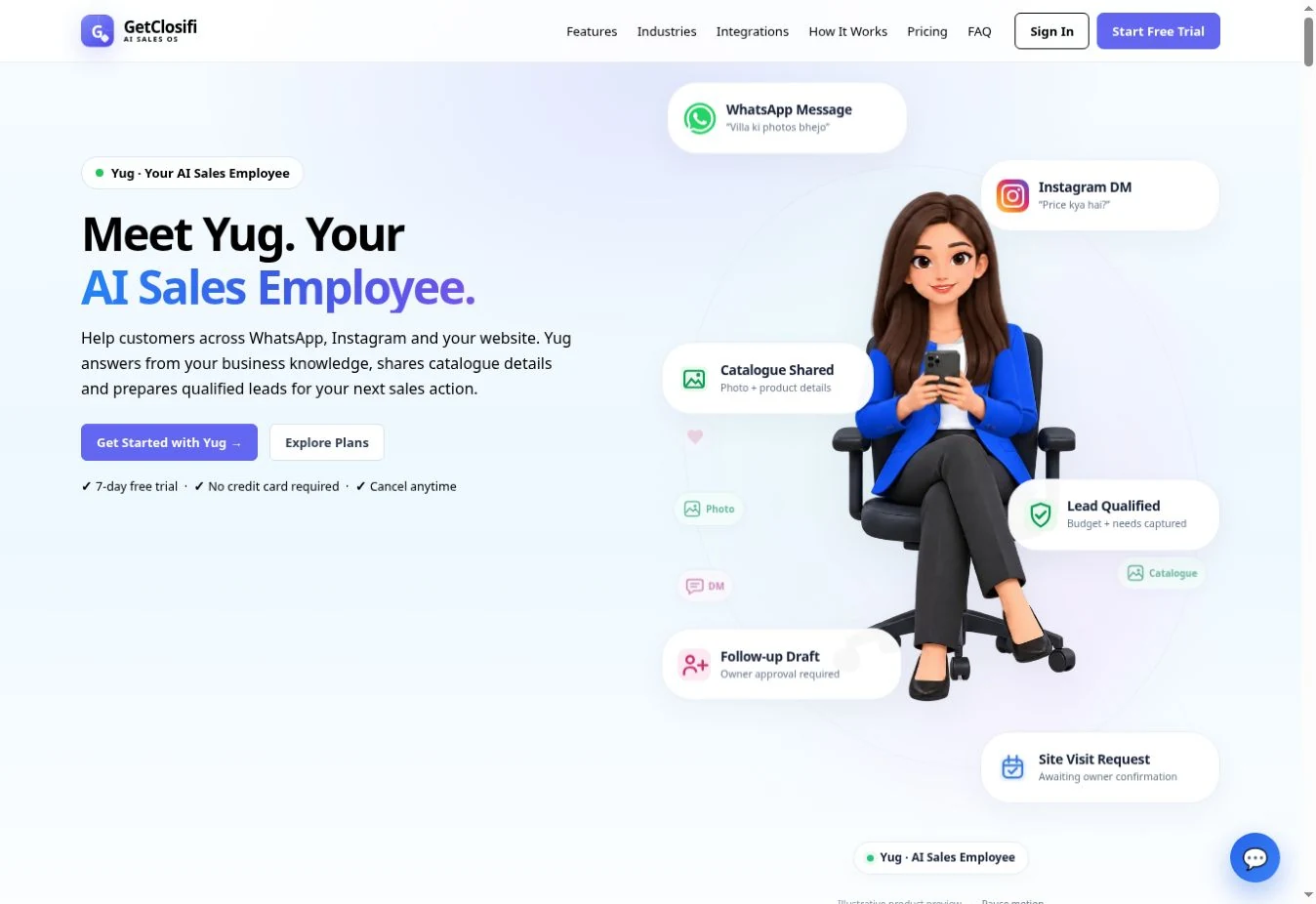
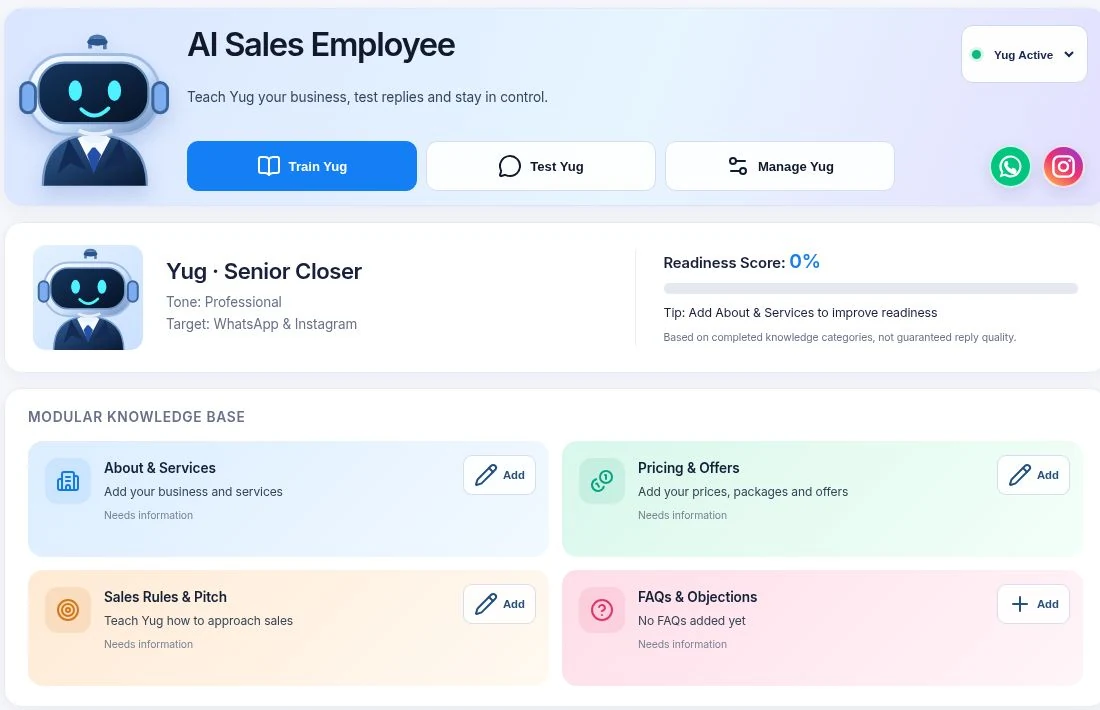


Evaluating GetClosifi? Test Yug with your own business information and a customer who changes their budget or requirement. Check the supported channel, captured context and human handoff in your trial. Read the qualification guide →
respond.io versus SleekFlow at a glance
| Category | respond.io | SleekFlow |
|---|---|---|
| Core focus | Omnichannel conversation operations, workflows, AI Agents and team routing | Omnichannel AI conversations and commerce-led customer journey |
| Team inbox | Collaborative inbox and channel routing across sales/support | Shared inbox plus broadcasts, workflow builder and teams |
| AI-enabling plan | Growth, not entry Starter, is the tier with AI Agents and automated workflows | Pro lists AI Agents; Premium adds custom integrations and deeper analytics |
| Reference annual rate | Starter $79, Growth $159, Advanced $279 per month equivalent | Pro $109, Premium $279 per month equivalent |
| Contact accounting | Monthly Active Contacts allowances; confirm specific plan and usage | Pro includes 500 MACs; Premium starts at 1,000 MACs |
| Commerce integration | Can integrate to ecommerce/CRM tooling through supported methods | Native Shopify integration and supported payment/commerce journeys |
| Calling | WhatsApp calling and voice AI capabilities promoted in current offering | Call/VoIP options available with region and rate considerations |
| WhatsApp costs | Meta/number/provider-dependent rates beyond subscription | Published WhatsApp number hosting reference $15/month plus messaging rates |
Do not confuse “inbox and AI Assist” on respond.io Starter with Growth's AI Agents. Also do not assume SleekFlow Premium is required for every AI response: Pro lists AI Agents, while deeper custom integration is a higher-tier distinction.
2026 subscriptions: compare Growth with Pro, not Starter with Premium
respond.io
The official respond.io pricing page lists annual-billed equivalents of $79 Starter, $159 Growth and $279 Advanced per month. The corresponding annual totals displayed are $948, $1,908 and $3,348. For many AI automation buyers, Growth is the relevant tier because it includes AI Agents, workflows, broadcasts and API integrations that Starter does not.
Its platform also uses Monthly Active Contacts (MACs), so a team with many different engaged customers can incur additional allowance costs or require a higher tier. Confirm exactly which contacts are counted and the active-contact inclusion at your selected tier.
SleekFlow
SleekFlow's official US price table lists Pro $109/month and Premium $279/month on annual billing; their annual totals are $1,308 and $3,348 respectively. The published Pro starting allowance is 500 MACs; Premium lists 1,000 MACs and adds webhooks, HubSpot/Zoho and custom AI Agent integrations. Those rates should not be mixed with a month-to-month quote.
SleekFlow's official site also lists a $15/month WhatsApp Business API number hosting fee with messaging priced according to its rate card. To compare fairly, add that when relevant rather than assuming it is bundled in the $109 Pro equivalent. Team seat additions, channel numbers and premium features can also change the bill.
Example: what a six-person sales operation should budget
Imagine an international retailer serving 800 distinct active customers per month, with six team members, Instagram, WhatsApp and Shopify. The operational need includes automated product recommendations, abandoned-cart handoff, an occasional human call and a CRM write-back.
- Map core requirements. Decide whether Shopify checkout or broader call/lead management is the decisive differentiator. Product features overlap but are not equivalent.
- Choose the proper AI tier. Request respond.io Growth and SleekFlow Pro quotes first, then verify whether any must-have function requires Advanced or Premium.
- Model all MACs. In SleekFlow, 800 monthly active customers exceed the standard 500-MAC Pro allowance; obtain an add-on or tier quote. Do the same with the included allowance from respond.io.
- Include message/number charges. WhatsApp charges vary by delivery region and message type; SleekFlow also lists a separate number hosting charge. Get a written rate table.
- Include integration and support. CRM write-back, handoff permissions, change control and error handling may take operator/developer time.
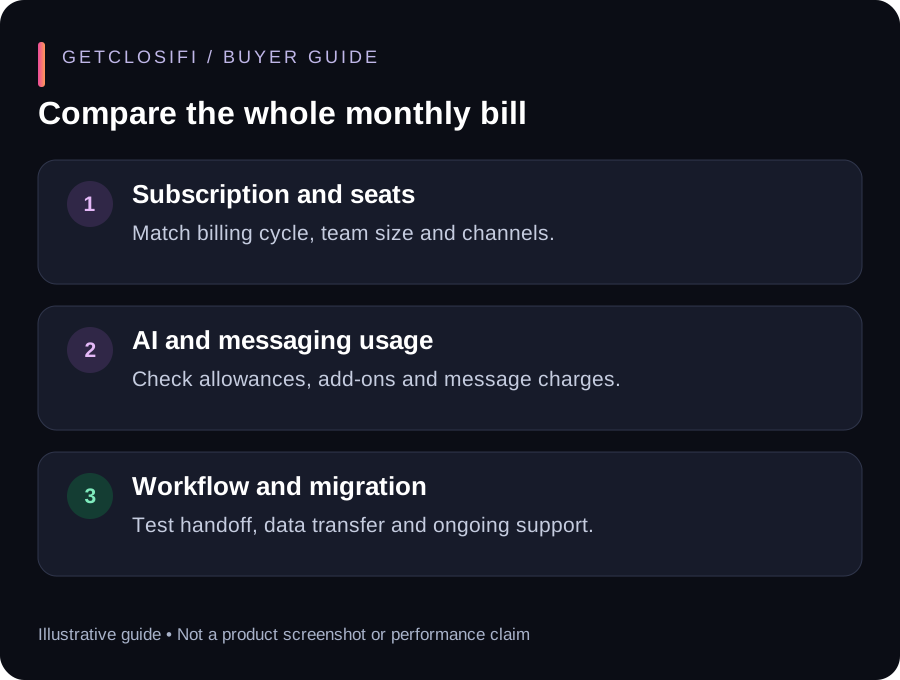
Correct comparison: total monthly equivalent of the required tier + contact overages + hosted channels/numbers + WhatsApp/AI usage + integration setup + taxes. A single dollar amount cannot be honestly calculated without destination, contact and feature assumptions.
Which is better in these four business situations?
High-volume multi-country conversation center
Evaluate respond.io's breadth of routing, calling, team management and AI Agent escalation. Test an actual four-person handoff where messages arrive simultaneously across WhatsApp and web chat. Ask for uptime/support commitments in writing if this is mission-critical.
Shopify retailer that wants chat-to-cart automation
SleekFlow makes commerce, product recommendations and checkout integrations a central part of its offering. Test catalog accuracy, payment-link permission, failed order and returns flows using a realistic store.
Agency with HubSpot or Zoho already in use
Compare the depth and tier eligibility of SleekFlow Premium's direct CRM integrations versus respond.io's integration options. A superficial “supports HubSpot” badge does not reveal whether updates are one-way, two-way or workflow-limited.
Small real-estate team with mostly inbound qualification
Neither suite is guaranteed to be the most economical. A founder needing one AI employee for budget, locality, property type and owner approvals can evaluate GetClosifi as a narrower option, while acknowledging it does not replicate large omnichannel inbox, voice or enterprise controls.
Checklist before replacing an omnichannel messaging platform
- Export your live channel inventory, assigned Meta numbers, inbox rules and required automation triggers.
- Confirm contact export and migration rules; do not assume historic WhatsApp/Instagram messages can be transferred.
- Recreate one customer journey from ad enquiry through AI, owner assignment and actual sale.
- Test wrong inventory recommendation, duplicate webhook, manual takeover and delivery failure.
- Verify MAC counting in both systems using one month of logs and account-specific policy.
- Test a WhatsApp call/voice scenario if calling affects the buying decision.
- Obtain the exact monthly versus annual contracts and exit/number-transfer conditions.
- Run a low-traffic parallel pilot to verify that no live message is lost during cutover.
The most persuasive comparison is a live requirements checklist signed off by sales, operations and engineering—not a guessed “8.7/10” vendor score. Prioritize sales handoff correctness and service continuity.
Frequently asked questions about respond.io vs SleekFlow
Why does respond.io Starter cost $79 but AI Agents require Growth?
Starter's entry figure is its annual-billed inbox-oriented tier. The official plan matrix places AI Agents and automation workflows in Growth, with a published annual-billed equivalent of $159/month.
Is SleekFlow Pro's $109 a monthly payment?
The $109/month figure is an annual-billed equivalent on the official US pricing table, with $1,308 charged for the year. Confirm the separate month-to-month offer before comparing cash flow.
Do both charge by total contacts in the database?
No. Their published usage models focus on Monthly Active Contacts, subject to plan-specific counting and quotas. Contact database size by itself is not necessarily the billable unit.
Are WhatsApp API fees included?
Do not assume so. SleekFlow advertises a separate WhatsApp number hosting charge and rate-card messages. Ask respond.io and Meta about the exact channel and country-specific billing as well.
Official sources and verification notes
Source review: 15 October 2026. Vendor pricing and Meta policies can change without notice. Refer to each linked official page before paying or moving a WhatsApp number. The scenarios and cost worksheets above are editorial examples, not measured customer outcomes.
- respond.io official pricing — Starter/Growth/Advanced, AI Agent tier, monthly versus yearly offer.
- SleekFlow US pricing — Pro/Premium, annual totals, contact allowance, WhatsApp number hosting.
- SleekFlow MAC definition — Events that make a contact active and account cycle.
- respond.io's comparison view — Vendor-authored feature positioning with disclosure.
- SleekFlow's comparison view — Vendor-authored AI/commerce and channel positioning.
- Meta WhatsApp rate card — Message category and region policy.
Need AI qualification rather than a bigger marketing stack?
GetClosifi focuses on one business-trained AI Sales Employee for inbound leads, requirement gathering and owner handoff. It does not replace a full omnichannel helpdesk, deep CRM or mass-campaign platform. Compare the product and current plan limits before deciding.
Explore GetClosifi plans →SleekFlow alternatives · Respond.io alternatives · Manychat vs Chatfuel · WATI vs AiSensy
respond.io or SleekFlow: a practical decision checklist
Use the same customer journey in both demos: a new enquiry arrives, the customer asks a product question, the AI collects requirements, and a person takes over. Record the result for each step rather than relying on a feature tick.
- Inbox operations: Ask two team members to handle one conversation. Check assignment, manual takeover and whether automated replies stop at the right moment.
- Commerce context: Ask about an unavailable item and a changed order. Check what the connected store actually supplies and which actions require staff approval.
- AI boundaries: Ask for an unapproved discount. Check whether the assistant follows your approved business information and routes exceptions.
- Billing: Get a written quote for the same active contacts, seats, channels and AI workload, with the billing cycle stated.
If you are still deciding between a shared inbox, campaign software and inbound qualification, start with our sales automation explainer. For a wider shortlist beyond these two vendors, use the respond.io alternatives guide.