Considering WATI for your team?
Compare WATI's current plans, included users, messaging charges and required add-ons against your workflow.
Affiliate disclosure: GetClosifi may earn a commission if you buy through this link, at no extra cost to you. This does not change the comparison criteria.
Check current WATI plans ↗What counts as WhatsApp automation?
WhatsApp automation uses supported business messaging features to respond to customer enquiries, send permitted notifications, guide customers through a workflow or help a team manage a shared inbox. It can range from simple greetings to rules-based chatbots and AI-assisted conversations.
Different buyers want different results. A store sending opted-in order alerts is not looking for exactly the same software as a real-estate office trying to qualify property enquiries or an agency managing several client inboxes.
Start by deciding whether you need broadcasts, chatbot flows, AI understanding, human handoff, CRM data, analytics or all of these. Also distinguish the official WhatsApp Business channel from unsupported spam or account-automation shortcuts.
2026 WhatsApp automation tools comparison
| Platform | Typical strength | Pricing approach | Check before choosing |
|---|---|---|---|
| WATI | Team inbox, WhatsApp campaigns, chatbot flows and integrations | Plan fees, message charges and possible add-ons | Seats, automation trigger quotas, AI add-on features, broadcast limits |
| Interakt | WhatsApp campaign workflows and inbox for commerce teams | Subscription + applicable WhatsApp template/message costs | Shop integrations, API access, team seats and region |
| AiSensy | Campaign broadcasts, segmentation, team inbox and paid AI chatbot add-ons | Free entry tier; paid Basic advertised at ₹1,500/month; separate message/add-on fees | Meta charges, service-message thresholds and chatbot/AI costs |
| respond.io | Multi-channel conversation routing and team operations | Tiered workspace subscriptions + messaging/provider costs | Monthly active contacts, user seats, advanced automation tiers |
| GetClosifi | AI-assisted inbound enquiries, lead qualification and human handoff with Yug | Starter advertised at ₹999/month; 7-day trial shown on website | Business-owned channel authorization and the available plan features |
Reviewed October 20, 2026 using vendor public pages. Prices can vary by currency, billing period, vendor promotions, country and usage. The providers do not all offer identical features.
How does WATI pricing work in 2026?
Read the WATI pricing breakdown for Growth, Pro, Business, chatbot trigger quotas and October 2026 API service-message charges.
Five WhatsApp automation platforms and use cases
1. WATI
WATI combines a team inbox, WhatsApp campaigns, automation triggers and additional channel capabilities depending on plan. Public Growth, Pro and Business tiers list different included users, integrations, trigger allowances and advanced AI functionality.
Best fit to evaluate: businesses that need broadcast campaigns and several agents in one shared workflow. Potential drawback: advanced capabilities may require higher tiers and additional message charges. Read WATI's official pricing page ↗.
2. Interakt
Interakt is positioned around WhatsApp business marketing, shared conversations and integrations for commerce. Teams comparing it should test contacts, campaign templates and any supported shop or customer-data flows before choosing a plan.
Best fit to evaluate: businesses focused on campaign-led WhatsApp engagement. Potential drawback: a broadcast-first workflow may not meet complex consultative qualification needs without extra setup. Interakt's official plans ↗.
3. AiSensy
AiSensy advertises a free entry point and Basic from ₹1,500/month for WhatsApp marketing, alongside separately billed WhatsApp messages and optional chatbot or AI features. Its official pricing page notes October 2026 changes to the treatment of service messages in India.
Best fit to evaluate: Indian businesses sending opted-in marketing templates and running segmented campaigns. Potential drawback: total cost depends on message categories and add-ons, not just the base subscription. AiSensy's current rate card ↗.
4. respond.io
respond.io is oriented toward shared customer conversations and automation across messaging channels. Businesses should assess routing, collaboration, integrations and active contact limits rather than looking only at broadcast functions.
Best fit to evaluate: an established support or sales team handling different chat channels in one operational workflow. Potential drawback: advanced automation and seat/contact requirements may influence total cost. See respond.io pricing ↗.
5. GetClosifi and Yug
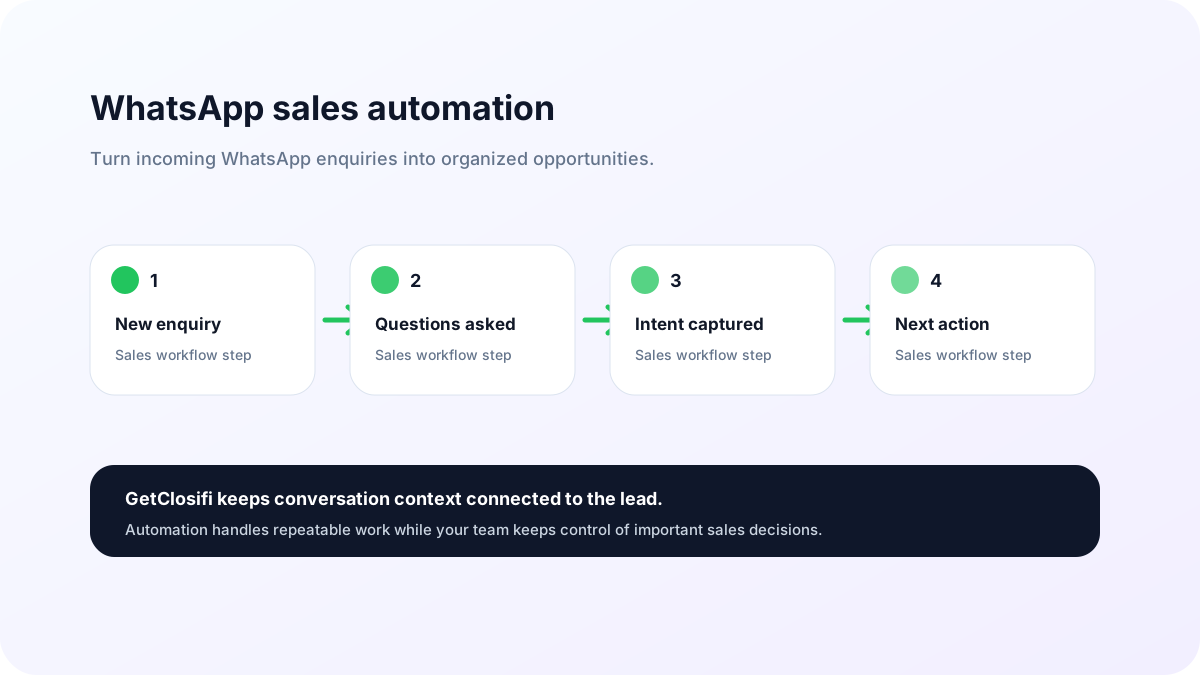
GetClosifi focuses on conversations that begin with an inbound enquiry. Yug is an AI Sales Employee designed to use an individual business's authorized channel and approved product knowledge to help respond, collect requirements, qualify leads and prepare context for human next steps. Alex Business Copilot provides owner-facing insights using the information available in that workspace.
Best fit to evaluate: small businesses that receive WhatsApp and Instagram sales enquiries and want structured qualification rather than only mass campaigns. Potential drawback: GetClosifi is not a drop-in replacement for every broadcast campaign manager or full CRM. Explore GetClosifi for WhatsApp ↗.
How much does WhatsApp automation really cost?
Build a full cost estimate rather than comparing only monthly subscription prices. Depending on your provider and the region, bills can include these items:
- Subscription: monthly or annual platform access, users and automation limits.
- Meta message charges: applicable marketing, utility, authentication or service messages, based on effective rules and destination country.
- AI usage: agent messages, model credits or add-on subscriptions where offered.
- Templates and campaigns: costs to run opt-in promotions and delivery volumes.
- Integrations: CRM connectors, API volume, webhooks or extra business numbers.
- Implementation: time to approve templates, load business knowledge and test workflows.
For example, a plan described as “free” may only waive the vendor access fee. It does not necessarily waive Meta template charges or optional AI usage. Check a written rate card for your destination country and the current billing date. A provider's support page or old screenshot may contain outdated service-message information.
Choose the right WhatsApp automation software in 6 steps
- Define the outcome: do you want broadcasts, customer support, inbound lead qualification or booking coordination?
- Confirm permissions: is your WhatsApp Business account eligible to connect through the official process?
- Choose the entry point: paid click-to-WhatsApp ads, organic web enquiries, catalogue questions or opted-in campaigns?
- Set safe boundaries: confirm price, stock, sensitive advice and appointment exceptions with a human.
- Calculate volume: approximate monthly conversations and chargeable template/message usage.
- Test with real questions: verify helpful replies, handoff, data capture, owner visibility and messaging-policy compliance.
When comparing WhatsApp CRM options, remember that a messaging inbox, a traditional CRM database and an outbound campaign builder may solve different problems.
Meet Yug, your AI Sales Employee
See how GetClosifi is designed to turn connected WhatsApp and Instagram enquiries into structured customer context and human-ready follow-up.
Explore GetClosifi →Sources and editorial standards
We use vendor-operated pages for the comparison. We have not independently tested every paid plan and do not claim the platforms will improve revenue by a specific percentage. This guide is published by GetClosifi, which is included in the comparison.
Frequently asked questions
What is the best WhatsApp automation tool?
It depends on the workflow. Compare WATI, Interakt and AiSensy for campaign and inbox needs, respond.io for multi-channel team conversations, and GetClosifi for AI-assisted inbound qualification and business context.
Is WhatsApp automation free?
A free tier or trial does not necessarily make message delivery free. Providers may charge subscription fees, add-ons and per-message fees that depend on message category and country.
Can I automate WhatsApp messages without the official API?
Small businesses can use basic WhatsApp Business app features, but scalable multi-agent or advanced message workflows usually require an authorized business integration and must follow Meta's policies.
Does WhatsApp allow bulk marketing messages?
WhatsApp business messaging requires the appropriate consent, templates, policy compliance and any applicable charges. Unsolicited messaging can lead to restrictions.
Do WhatsApp service replies cost money in 2026?
WhatsApp and providers' service-message pricing varies by region and effective date; check current official Meta or BSP rate cards rather than assuming every reply is free.
Can GetClosifi send messages from my own WhatsApp account?
GetClosifi is designed for each business to authorize and connect its own supported WhatsApp business account. The features available depend on correct permissions, onboarding and the chosen plan.
Already have a WhatsApp automation shortlist?
Use a focused guide when your question is narrower than this tool overview: WATI alternatives covers replacement options and migration checks; respond.io vs SleekFlow compares two omnichannel platforms; and respond.io alternatives covers a wider replacement shortlist. For a first automation project, start with the sales automation basics.