Choose your photo
Select a JPG, PNG or WebP image up to 20 MB.
Reduce a JPG, PNG or WebP image to 20 KB or less. Preview your compressed JPEG before downloading.

or choose a file from your device
Maximum 20 MB per image
The result targets this upper limit. Dimensions may be reduced to fit.
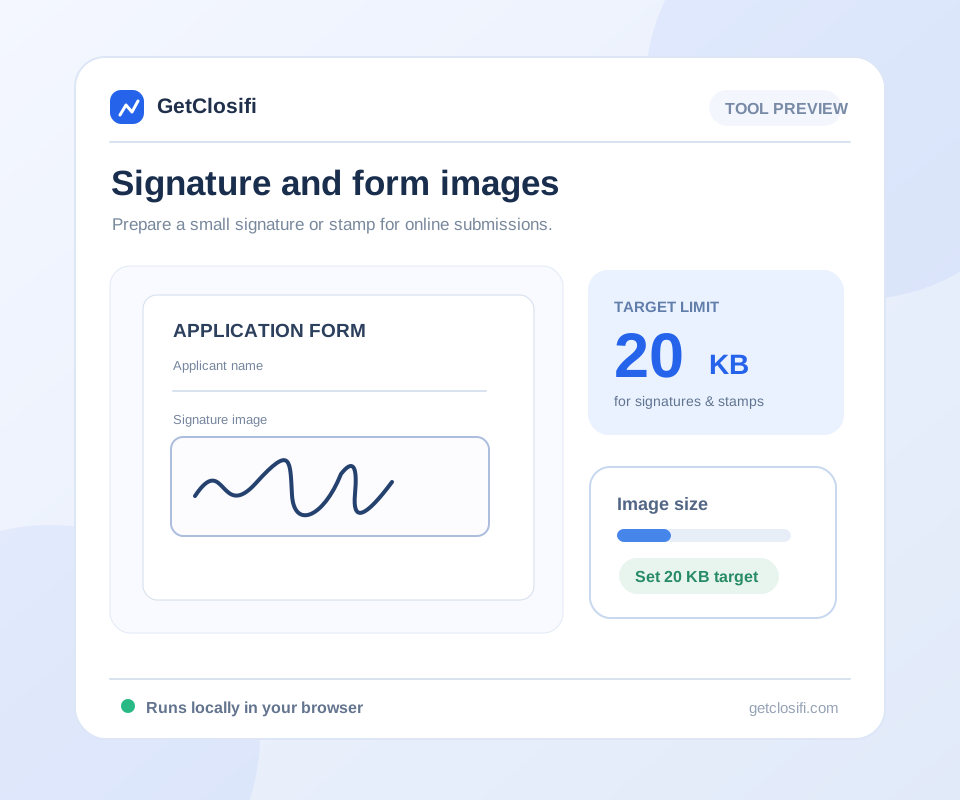
Check signatures and text at their intended display size. Dark ink on a plain, light background usually stays clearer than a detailed or shadowed scan.
Quick steps
Select a JPG, PNG or WebP image up to 20 MB.
20 KB is selected for this page. You can choose another preset if you need it.
Check the actual file size and image preview, then save the JPEG.
A few useful details
Twenty kilobytes leaves very little room for detail. Before compressing, crop away blank margins and background you do not need. This is especially useful for a small signature or a tightly framed profile photo.
The tool will lower JPEG quality and, when necessary, reduce the dimensions. Check the result at the size where it will be used. A signature that fits the limit but is too faint to read will not help with an application.
If a form also requires a large width and height, a 20 KB limit can be difficult to meet without visible loss. Follow the form’s instructions and keep a clear original so you can try again.
Check signatures and text at their intended display size. Dark ink on a plain, light background usually stays clearer than a detailed or shadowed scan.
The converter uses 1 KB = 1,024 bytes. If an upload form uses a stricter decimal limit, choose a slightly lower target in the custom-size reducer.
A signature scan may contain much more paper than signature. Cropping the unused margin gives the useful part more of the available pixels and bytes. Keep a safe border, and do not cut off the start or end of a stroke.
Thin grey handwriting can fade into a white background after a tight export. Check the signature or text at the size where the form will show it. If it is no longer easy to read, try a clearer source rather than repeatedly reducing the same copy.
A small KB limit does not tell you the required width and height. If the form gives both, write them down before starting. This reducer may shrink the dimensions to meet 20 KB, so inspect the exported dimensions as well as its file size.
A website may count 20 KB as 20,000 bytes rather than 20 × 1,024 bytes. If a file very close to the limit is rejected, try 19 KB in the custom-size tool. Also confirm that the website accepts JPEG and does not require a different format.
Visual examples
Actual sample exports at three quality settings. These examples do not promise a particular KB target for your own image.
An 85% JPEG quality example keeps a generous detail budget. Compare hair, leaves and fine edges before using the export.
Actual sample exports at three quality settings. These examples do not promise a particular KB target for your own image.
A 65% quality example can suit images displayed at smaller sizes. The measured file sizes show whether the export actually saves space.
Actual sample exports at three quality settings. These examples do not promise a particular KB target for your own image.
A 40% example makes compression more aggressive. Look for blocky textures or rough edges and choose a higher quality when needed.
Actual sample exports at three quality settings. These examples do not promise a particular KB target for your own image.
Usually an upload limit means “no larger than 20 KB.” This tool treats it as an upper limit. Check whether your form also specifies a minimum.
Yes, if the browser can read it. The result is JPEG, so any transparent area will be placed on white.
Start again from the original. Crop unused space, or choose a larger limit if the destination allows it. Check text and faces before submitting the image.
The website may count KB differently or have another requirement. Try a slightly lower value in Custom Image Size Reducer, and check its pixel and format rules too.
File size alone cannot tell you that. Check its pixel dimensions and intended print size; a very small export may have too little detail for a useful print.
A full page of small text is difficult to keep readable at 20 KB. Follow the destination’s instructions and inspect every required detail before submitting it.
Keep working
Control quality and compare the exported size.
Open tool ↗Reduce a JPG, PNG or WebP image to 50 KB or less.
Open tool ↗Reduce a JPG, PNG or WebP image to 100 KB or less.
Open tool ↗Reduce a JPG, PNG or WebP image to 200 KB or less.
Open tool ↗