Choose the PNG
Open the picture you want to convert.
Convert a PNG image to JPEG. Transparent areas become white, and a quality slider lets you balance detail and size.
 PNG → JPG
or choose a file from your device
Maximum 20 MB per image
Lower quality can reduce file size, with more visible detail loss.
The output format is JPG. Always check that the destination accepts that extension.
Quick steps
Open the picture you want to convert.
Keep an eye on sharp text and any edges that were transparent.
Check that the JPEG looks right before downloading it.
A few useful details
A photograph saved as PNG can be much larger than it needs to be. JPEG may be a better fit when the destination needs a small photo and does not need transparency.
The important difference is the background. JPEG cannot keep transparent pixels, so this tool places them on white. Check logos, pale text and soft edges carefully in the preview.
PNG can still be the better choice for a diagram or graphic with crisp lines and small writing. Try the conversion, but keep the original if the text becomes rough or the new file does not help.
The output format is JPG. Always check that the destination accepts that extension.
The original file stays unchanged; download a separate copy only after checking the preview.
A camera photograph stored as PNG can be a good candidate for JPEG. A logo with a few flat colours, thin lines or tiny text may not be. Compare the export instead of assuming every PNG will get smaller or look equally good in another format.
Transparent pixels become white in this converter. That can be fine for a photo cutout on a white page, but a white logo or very pale lettering may disappear into the new background. Inspect the result in the kind of layout where you intend to use it.
Once transparency is flattened into JPEG, converting that copy back to PNG will not recover the original alpha channel. Keep the PNG separately if you may later need the artwork on a dark background, over another image or in a different design.
Start with a setting that keeps labels and small writing clear. Lower it only if the size reduction is useful and the image still works for its purpose. If crisp graphics suffer, the right choice may simply be to keep PNG.
Visual examples
Actual example compositing and JPEG conversion. Checkerboard squares are a preview surface and are not part of the transparent source.
JPEG has no transparent pixels. This example actually places the isolated product on white before JPEG encoding.
Actual example compositing and JPEG conversion. Checkerboard squares are a preview surface and are not part of the transparent source.
If you need the background to show through, keep the transparent PNG instead of converting it to JPEG.
Actual example compositing and JPEG conversion. Checkerboard squares are a preview surface and are not part of the transparent source.
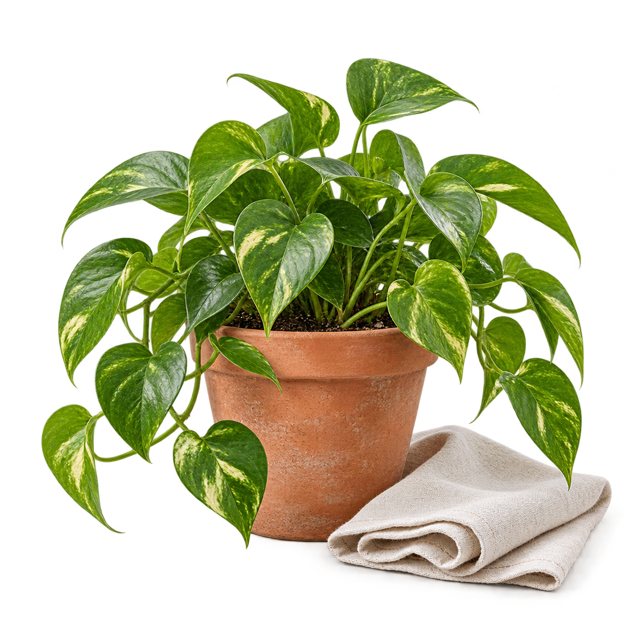
A white background can make an asset useful for a simple product listing. Inspect the fine leaf edges before saving.
Actual example compositing and JPEG conversion. Checkerboard squares are a preview surface and are not part of the transparent source.
JPEG has no transparency channel. A solid white background is used for this conversion.
No. The decoded width and height stay the same.
You can create another PNG, but converting back will not recover transparency or detail lost during JPEG compression.
This converter uses white when exporting transparent pixels to JPEG. A background-colour editor is not part of this page.
Not always. Screenshots often contain small text and sharp interface lines that can show JPEG artefacts. Compare the result before replacing the PNG.
Keep working
Make a JPG copy of a supported iPhone photo.
Open tool ↗Convert JPEG photos to WebP for compatible websites and apps.
Open tool ↗Turn a WebP image into a widely supported JPEG copy.
Open tool ↗Create a PNG copy of a JPEG image without changing its pixel dimensions.
Open tool ↗